
Most local businesses have more happy customers than Google reviews. The gap usually comes down to asking: nobody asks, or someone asks now and then when they remember, or the request arrives a fortnight after the job when the customer has moved on.
This guide covers why reviews matter for the map pack and for AI answers, what Google's rules and UK law allow, when and how to ask, a simple automation that asks every customer, and how to reply to the good and the bad. If you want reviews working alongside the rest of your search visibility, our SEO, AEO and GEO service covers your Business Profile, your site and how AI assistants describe you.
Why do Google reviews matter so much for a local business?
Reviews affect where you appear and whether people choose you once they see you. Google says local results are based mainly on relevance, distance and prominence, and that more reviews and positive ratings can help your business's local ranking.
They also do the selling before anyone rings. BrightLocal's 2026 Local Consumer Review Survey (a survey of US consumers, but the behaviour is familiar here) found that 97% of consumers read reviews for local businesses, 85% say positive reviews make them more likely to use a business and 77% say negative reviews make them less likely. The same survey found 74% look for reviews written in the last three months, so a pile of old reviews counts for less than a steady flow of new ones.
Then there are AI answers. When someone asks an assistant to recommend a local electrician or accountant, the answer draws on what is publicly said about the businesses involved, and your Google reviews are one of the most public places that conversation happens. Reviews that mention the service and the area in the customer's own words give an assistant something specific to repeat. We cover the wider picture in how to get your business recommended by ChatGPT.
What do Google's rules and UK law allow?
You can ask every genuine customer for an honest review. You cannot pay for reviews, reward them, filter out unhappy customers or write them yourself. Google's policy allows businesses to encourage reviews that reflect a genuine experience without offering incentives or trying to influence the rating, and UK law now backs that up.
Since April 2025, the Digital Markets, Competition and Consumers Act 2024 has made fake reviews and concealed incentivised reviews a banned practice, which means automatically unfair and illegal. The CMA can fine businesses directly. Its fake reviews guidance also warns against suppressing genuine negative reviews, cherry-picking positive ones, and arbitrarily stopping and starting review invitations.
Worth knowing: UK law allows an incentivised review if it is clearly disclosed. Google does not allow incentives at all, disclosed or not, so on Google the answer is simply no.
| Practice | UK law (DMCC Act) | |
|---|---|---|
| Asking every customer for an honest review | Allowed | Allowed |
| Offering a discount, prize draw or freebie for a review | Not allowed | Illegal if concealed |
| Only asking customers you know are happy (review gating) | Not allowed | Risky: can count as suppressing negative reviews |
| Staff, family or friends reviewing the business | Not allowed (conflict of interest) | Illegal if the review is not a genuine customer experience |
| Offering a refund if someone changes a bad review | Not allowed | Banned: the CMA gives it as an example |
| Review targets for staff, or pressure while the customer is on site | Not allowed | Not covered directly; avoid it |
| Posting reviews on a competitor's profile | Not allowed | Illegal if it is not a genuine experience |
Breaking Google's rules has real consequences. As well as removing the reviews, Google can restrict a Business Profile: stopping new reviews for a period, unpublishing existing ones, or showing customers a warning that fake reviews were removed. That warning sits on your profile exactly where people decide whether to call you.
When is the best time to ask for a Google review?
Ask at the moment the customer feels the value, ideally within a few hours of it. For a trade that is when the job is finished and signed off. For a clinic it is after the appointment. For a professional service it is when the problem is solved, which is usually earlier than the final invoice.
- Same day beats next week. The detail is fresh, so the review is more specific and more useful to the next customer.
- Every customer, every time. A steady flow keeps your reviews recent, and asking everyone is what keeps you clear of gating. Google also looks for unusual volumes or patterns, so a sudden burst after a quiet year can look odd.
- Once, plus one reminder. A single follow-up a few days later catches the people who meant to and forgot. More than that starts to feel like pressure.
Where this goes wrong: asking only after a customer has paid you a compliment. It feels natural, but it is selective soliciting by another name, and it leaves out the quiet majority who were perfectly happy and never said so.
How should you ask customers for a Google review?
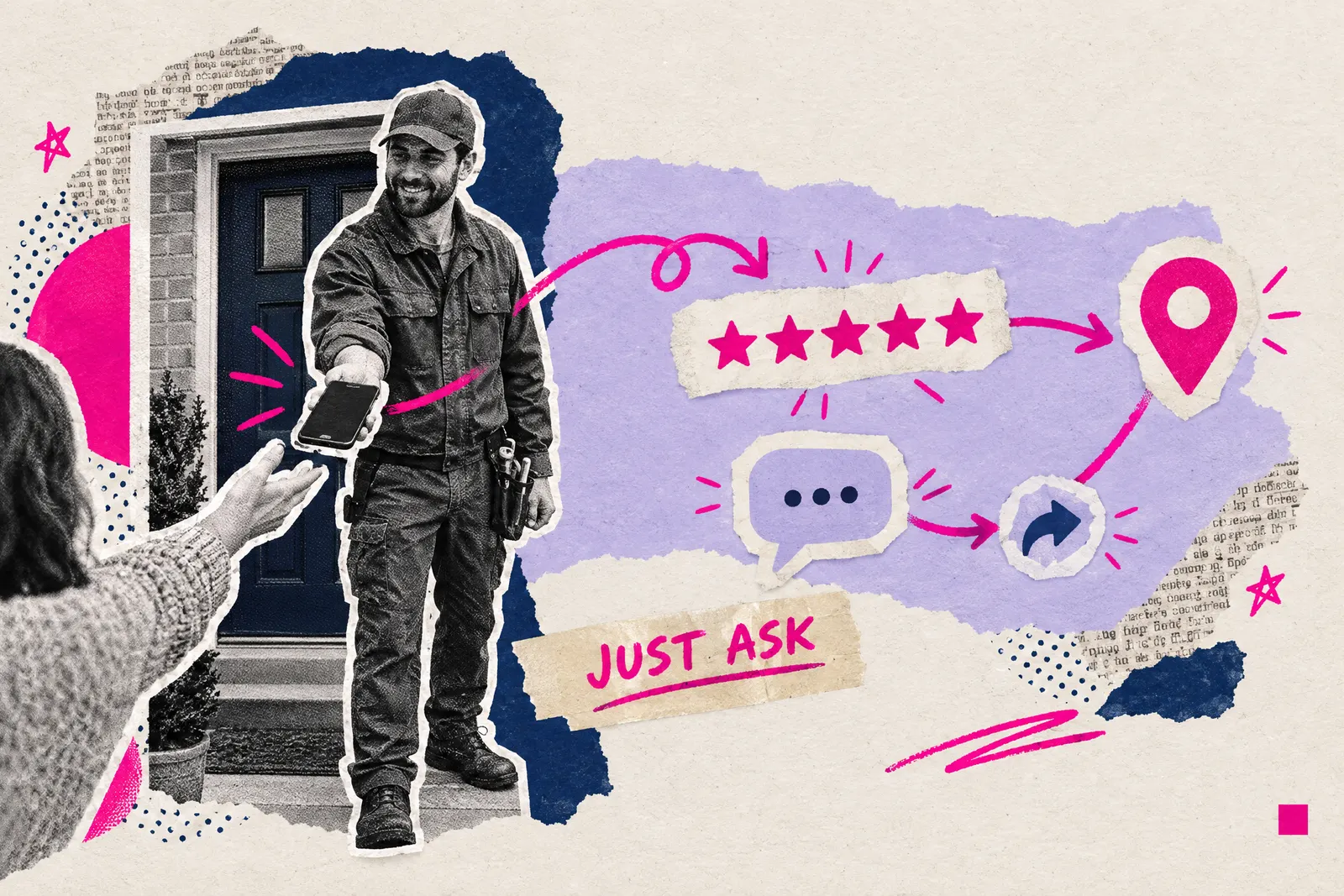
Make it personal, make it short and make it one tap. Ask in person if you can, then send the link straight away so the customer does not have to search for you.
Get your review link or QR code
Google lets you create a review link or QR code from your Business Profile: open your profile, choose Read reviews, then Get more reviews, and copy the link or save the QR code. Google notes that the QR code can currently only be generated in a computer browser. Put the link in your job completion text, your thank-you email and your email signature, and print the QR code for the counter, the van or the invoice.
What to say
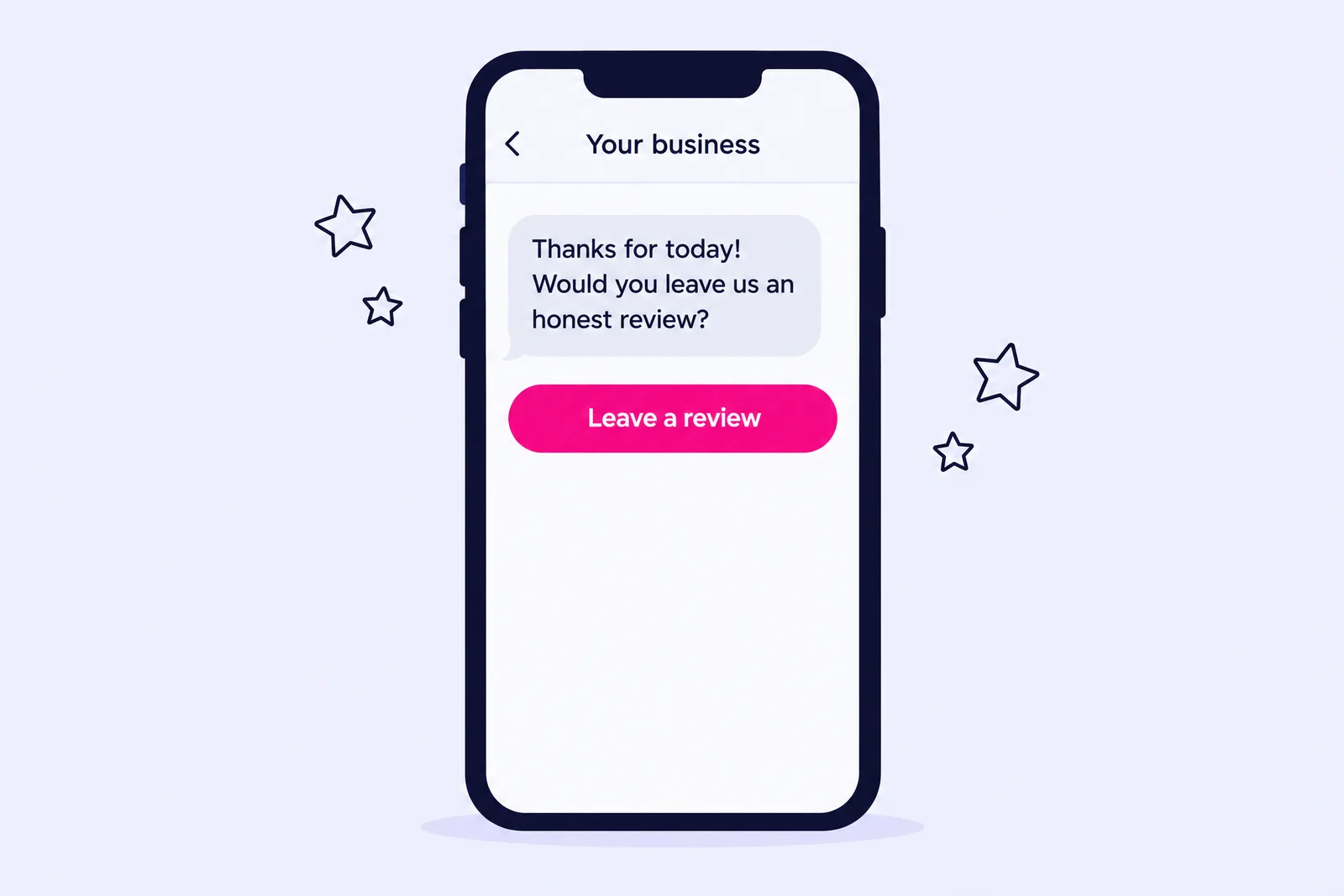
Use the customer's name, mention the job, ask for an honest review and say why it helps. Do not ask for five stars or suggest what to write. A message along these lines works for most service businesses:
Hi Sarah, thanks for having us out today for the boiler service. If you have a minute, would you leave an honest review of how we did? It really helps other people nearby decide who to call. [link] Thanks, Dan
Text tends to suit trades and appointment businesses; email suits professional services where the relationship already runs on email. One thing to tell customers who ask: they need to be signed in to a Google account to leave a review.
How can you automate review requests without gating?
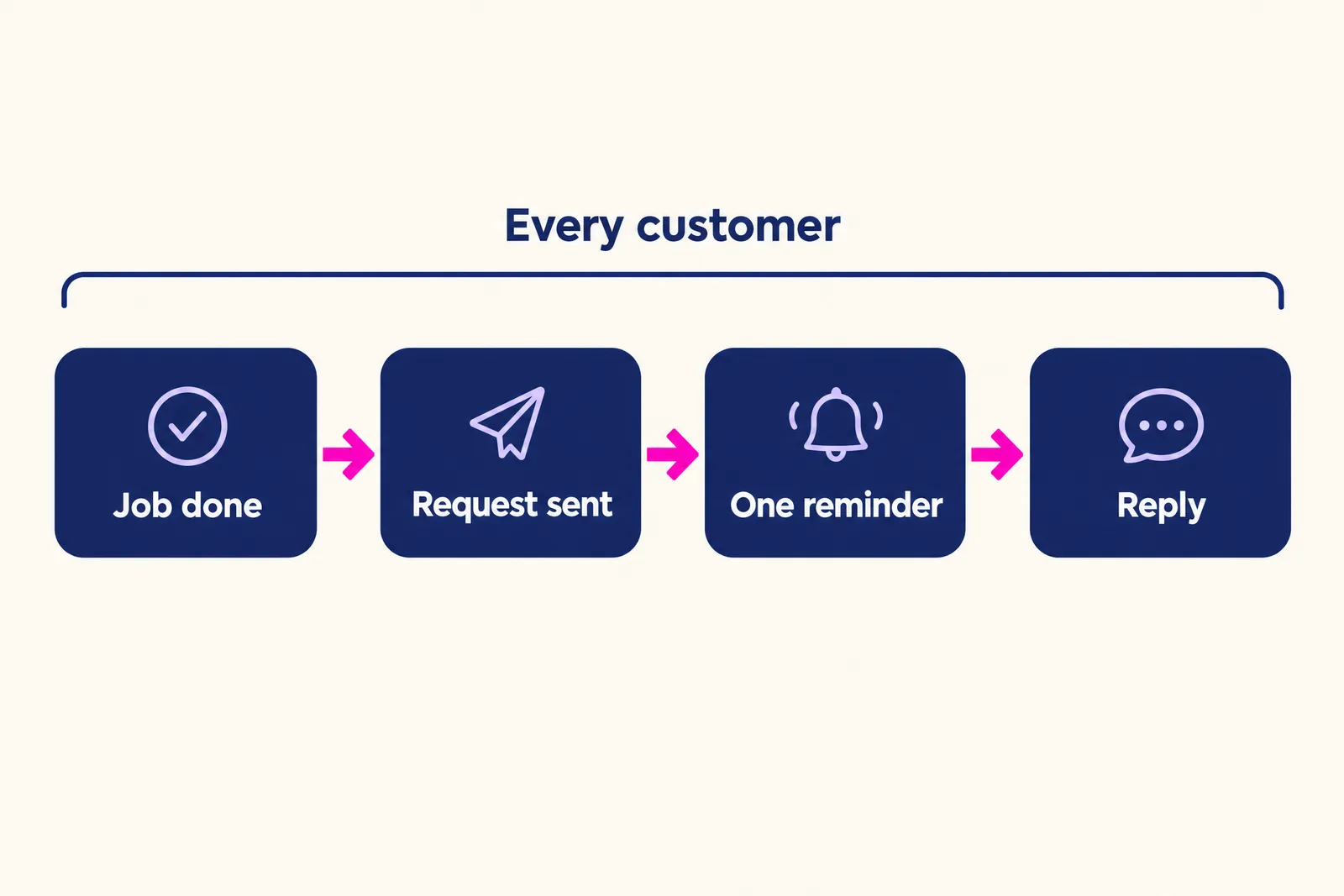
Trigger the request from the moment the work is marked complete, send it to every customer, and let the system do the remembering. That way you get a steady flow of reviews, and you stay inside the rules by design because nobody is filtered out.
- Pick the trigger. The job marked complete in your job management tool, the appointment checked out in your booking system, or the invoice sent from your accounts package. Most of these can send a message on a status change, or connect to one that can.
- Send the request a few hours later. A text or email with the customer's name, the job and your review link, written as above.
- Send one reminder. Three to five days later, to anyone who has not clicked. Then stop.
- Alert yourself to new reviews. Turn on Business Profile notifications so you can reply within a day or two.
Where this goes wrong: the popular "how did we do?" step that sends happy customers to Google and unhappy ones to a private form. That is review gating. Google bans it, and it sits uncomfortably with the CMA's warning about suppressing negative reviews. By all means collect private feedback too, but every customer should get the same invitation to review you on Google.
My view is simple: if the system asks everyone, the rules mostly look after themselves, and you get honest feedback you can act on. The same thinking applies to following up on quotes, and if you want it built into your existing tools, that is what our workflow automation work does.
How should you reply to Google reviews, good and bad?
Reply to every review, quickly and in your own words. BrightLocal's 2026 survey found 89% of consumers expect business owners to respond to reviews, 81% expect a reply within a week, and generic or templated replies put off half of them.
Positive reviews
Thank them by name, mention something specific from the job, and keep it to two or three sentences. Google's own advice is to avoid sending the same thank you to everyone and to keep offers and promotions out of replies.
Negative reviews
Reply calmly, once, within a day or two. Acknowledge the experience, set out the facts without arguing, say what you have done or will do, and offer a direct way to talk it through. You are writing for the next customer as much as the reviewer: a measured reply to a fair complaint often reassures people more than another five stars.
- Never offer a refund, discount or gift in return for changing or removing the review. Google bans it, and the CMA's guidance gives it as an example of what is banned.
- If a review breaks Google's policy (it is fake, from a competitor, abusive or off-topic), report it from your Business Profile rather than arguing in public.
Where should a business serving local areas start this week?
Start with the basics you can finish in a week: claim the link, write the message, set the trigger and reply to what is already there. Reviews work best alongside a well-kept Business Profile and a site that turns the visit into an enquiry.
For example, for most trades and service companies in Cardiff and South Wales, the map pack for a search like an emergency plumber or a pest controller is decided between a handful of nearby businesses, so recency and steady volume matter more than chasing a big total. Pest & Property Solutions, the Cardiff pest control company whose new site we launched in June 2026, has 344 Google reviews, and the new site took 112 enquiries in its first 36 days, 82.7% of them from Google organic search (figures from our own project tracking, set out in the case study). A review base like that works alongside the website and the profile, never on its own. The same approach applies to a business in Bristol, Leeds or anywhere else; our guide to winning the map pack covers the rest of the profile work.
Your checklist for this week:
- Create your review link and QR code from your Business Profile.
- Write one request message and one reminder, in your own voice.
- Set them to send automatically when a job or appointment is marked complete, to every customer.
- Reply to every review from the last three months that has not had a response.
- Check your process against the table above, and drop anything that filters, rewards or pressures.