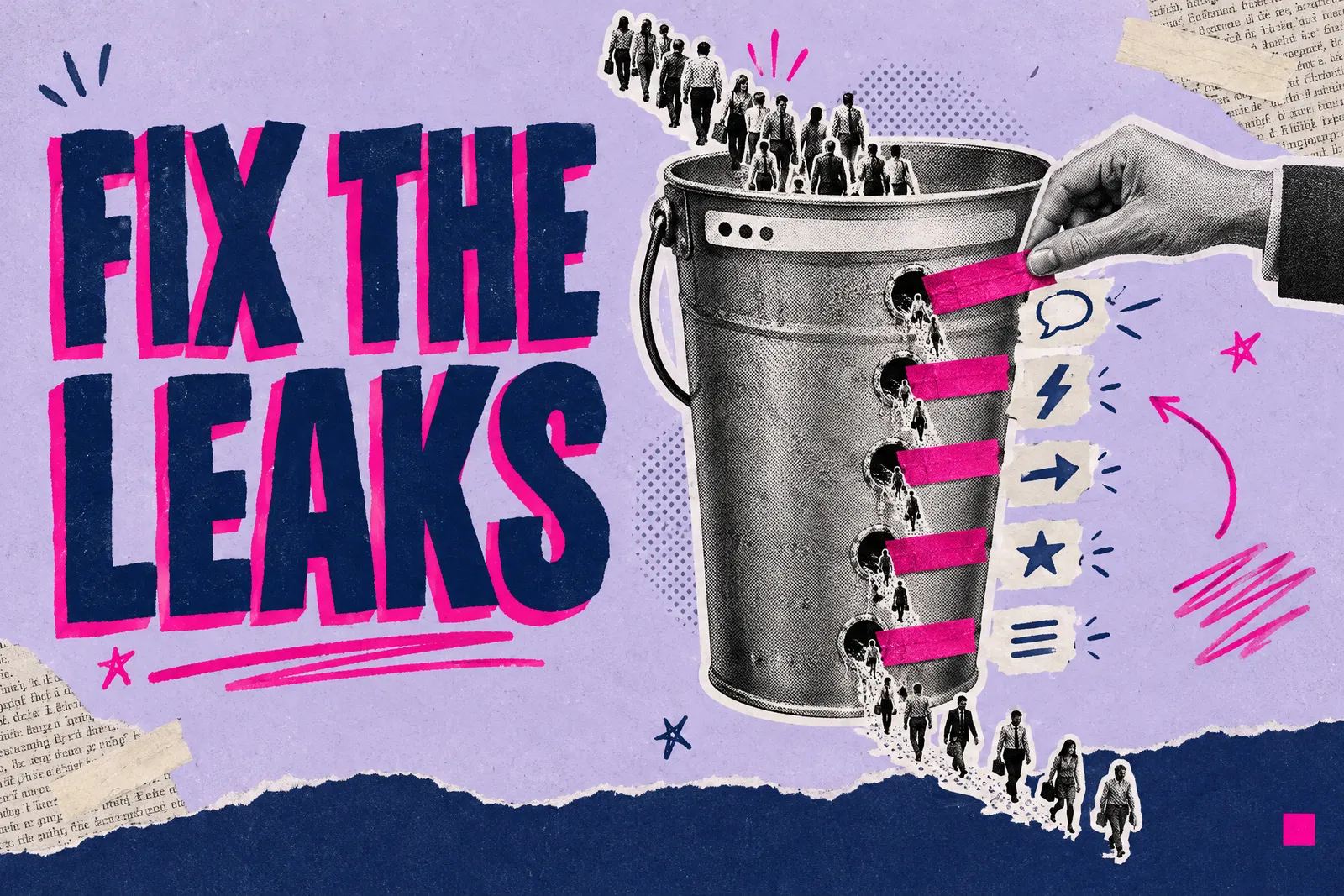
You are paying for a website, and perhaps for the traffic too. People arrive, the analytics look busy, and the phone stays quiet. It is one of the most frustrating situations in business, and it is often misdiagnosed: owners blame the design or buy more visitors, when the leak sits between the first screen and the contact form.
I started my career in sales before fifteen years in websites and digital marketing, so I look at a website the way a sales manager looks at a pipeline: where do people drop out, and why? This guide covers the five leaks I check, in order, with a fix for each you can start this week, plus what AI search has changed in 2026.
Why does a website get traffic but no enquiries?
Traffic tells you how many people arrived. Conversion tells you what they did next. A healthy visitor count can hide a page that quietly turns almost everyone away.
Benchmarks help a little. Unbounce's Conversion Benchmark Report, which analysed over 41,000 landing pages, put the median conversion rate across industries at 6.6%. That figure is for dedicated landing pages built around a single action, so treat it as a rough reference. Your own baseline matters more: enquiries per hundred visitors today, and whether that climbs after each fix.
Buying more visitors rarely solves it. Picture a shop on a busy street with a confusing window, a stiff door and nobody behind the till: footfall is fine, and the money goes missing after people step inside.
When I audit an underperforming site, the same five leaks come up again and again: clarity, speed, direction, trust and friction. Work through them in that order, because each one only matters once the one before it is sorted.
How do you measure whether your website is converting?
Before fixing anything, make sure you can see the problem. Plenty of small business sites have Google Analytics installed with nothing set up to count an enquiry.
In Google Analytics 4, the actions that matter to your business are called key events. Older guides call them conversions. Mark form submissions, taps on your phone number and clicks on your email address as key events. You can then see which pages produce enquiries and which only produce visits.
Three checks to do this week:
- Count your baseline. Take the enquiries from the last 90 days and divide by the visitors in the same period. Write it down.
- Test your own journey. Fill in your contact form on your phone, then check that the message arrived, where and how quickly. Forms that send to an old inbox, or nowhere at all, are more common than owners guess.
- Watch real visits. Microsoft Clarity is free and shows heatmaps of where people click, scroll and drop off, plus recordings of real sessions.
Is your message clear in the first five seconds?
This is the most common leak and the most expensive. Visitors decide almost immediately whether they are in the right place, mostly from the words.
Open your homepage on your phone and read only what shows before you scroll. Could a stranger tell what you sell, who it is for, where you work and why they should pick you? Clever, abstract headlines fail this test constantly: "Solutions for a changing world" tells a visitor nothing.
The evidence for plain language is strong. Unbounce found that landing pages written at a US 5th to 7th grade reading level (roughly ages 10 to 13) converted at 11.1%, more than double the 5.3% for pages written at a professional reading level. Difficult words and longer reading time both went with lower conversion.
The fix: rewrite the first screen with a simple structure: what you do, who it is for, the result you deliver and one clear action. For example: "Electrical installation and maintenance for offices and shops across Cardiff and the Vale. Fixed-price quotes. Request a quote." If you struggle to say it simply, the problem usually starts upstream with your brand positioning. A clear headline needs a clear, decided offer behind it.
Is your website too slow to convert?
Speed loses people before they read a word. Google measures real-world experience through three Core Web Vitals: Largest Contentful Paint (main content visible within 2.5 seconds), Interaction to Next Paint (a response to a tap within 200 milliseconds) and Cumulative Layout Shift (a layout score of 0.1 or less, so the page does not jump around).
The commercial effect is measurable. A Deloitte study for Google found that a 0.1 second improvement in mobile site speed increased the share of lead generation visitors progressing to the form submission page by 21.6%. The research dates from 2019, so treat the exact figure with care, but the direction is clear. And Ofcom's Online Nation 2025 report found that most of the time UK adults spend online is spent on a smartphone.
The fix: run your key pages through PageSpeed Insights, then try the site on a real phone over mobile data. The usual culprits are oversized images, heavy page-builder templates and forgotten tracking scripts. Compress images, use modern formats such as WebP, and remove scripts that do not earn their place. If it is still slow after that, the build is the problem, and a lean website rebuild is usually cheaper than another year of lost enquiries.
Is there one obvious next step on every page?
Confused visitors do nothing. The leak shows up as no clear call to action, or so many competing ones that attention scatters.
The fix: decide the single action you want from each page, such as booking a call, requesting a quote or buying, and make it the obvious next step. Put it in the first screen and repeat it after each major section. Button text should describe what the visitor gets, so "Get my free quote" will usually outperform a bare "Submit". A phone number can sit alongside, but each page should have one main button.
Check your service pages too. Visitors from Google often land on the page for the exact service they searched for, and those inner pages frequently have no call to action at all.
Does your website give people enough reason to trust you?
People buy from businesses they believe. With no reason to trust you, visitors hesitate at exactly the moment they were about to act, and the higher the price, the more this matters.
Reviews carry much of the weight for local businesses. BrightLocal's 2026 Local Consumer Review Survey of US consumers found that 85% are more likely to use a business after reading positive reviews, 74% only care about reviews from the last three months, and 47% will not use a business with fewer than 20 reviews. The sample is American, but anyone who has picked a tradesperson by scrolling through Google reviews will recognise the behaviour.
The fix: put proof next to the points of decision. That means recent reviews (ideally pulled from your Google Business Profile so they stay current), real results with real numbers, recognisable client names where you have permission to use them, clear pricing or at least a price guide, and a real person behind the business: a named founder, a team photo and an address. Proof works hardest right beside the call to action.
What friction is stopping people from enquiring?
Even a convinced visitor can be lost to small obstacles: a long contact form, a phone number buried in the footer or a booking system that demands an account.
The fix: remove every step that is not needed to start a conversation. For most service businesses that means a name, contact details and a short free-text box; everything else can wait for the first call. Make the phone number tappable on mobile and visible on every page. Offer the contact routes your customers actually use, which for many local trades includes WhatsApp. Send an instant acknowledgement, then reply quickly. Our guide to converting more enquiries covers that follow-up stage in detail.
How has AI search changed website conversion in 2026?
The people reaching your site in 2026 behave differently. Ofcom reports that around 30% of searches now show an AI Overview, and 53% of UK adults say they often see AI summaries. When a summary appears, people click through less: Pew Research Center found that users clicked a traditional search result on 8% of visits to pages with an AI summary, compared with 15% of visits to pages without one.
BrightLocal's survey also found that use of ChatGPT and other generative AI for local recommendations rose to 45% of consumers. Meanwhile, Google says people who click through from AI Overviews tend to spend more time on the sites they visit.
The likely pattern for a small business is fewer visits from search, each further along in the decision. Someone who reads an AI answer and then clicks through has often already shortlisted you, so the page they land on must confirm the choice and make the next step easy. Every leak costs more when each visit is worth more.
For a quick read on whether AI tools can find you at all, our free Cited AI visibility check scores your site against 15 signals.
What does a converting website look like for a Cardiff business?
Pest & Property Solutions, a pest control company based in Cardiff, is a useful local example of a site built around clarity, proof and an easy next step. The new site went live in June 2026 and brought in 112 enquiries in its first 36 days. Of those, 82.7% came from Google organic search, and the site now averages about four enquiries a day from organic traffic. Its 344 Google reviews do much of the persuading; the site puts that proof in front of people at the moment they decide. The full breakdown is in the Pest & Property Solutions case study.
For most service businesses across Cardiff, Newport and South Wales, the demand already exists. The businesses that win it answer the question quickly, prove they can be trusted and make contact easy from a phone.
Which conversion leak should you fix first?
Work from the top down. Clarity comes first because speed and proof cannot rescue a page that never explains what you do.
| Leak | What it looks like | The fix |
|---|---|---|
| Clarity | A stranger cannot tell what you do from the first screen | Plain-language offer, audience, result and one action above the fold |
| Speed | Slow load or jumpy layout, especially on mobile | Check Core Web Vitals, compress images, strip unused scripts, test on a real phone |
| Direction | No clear next step, or too many competing ones | One main call to action per page, repeated, with outcome-led wording |
| Trust | No recent reviews, no pricing guide, no visible people | Reviews, results, pricing and a named person beside the call to action |
| Friction | Long forms, hidden phone number, slow replies | Short form, tappable contact details, instant acknowledgement, fast follow-up |
Most of these fixes cost nothing in extra advertising. If you suspect the site itself is too weak to carry them, read our guide to the seven signs you need a new website before spending more on traffic.